
Documentation · version 0.1.0
OpenTodo docs
How to use OpenTodo day to day, run your own server, and connect it to other tools.
New here? Start with Getting started, or open the demo in another tab and follow along.
Start here
-
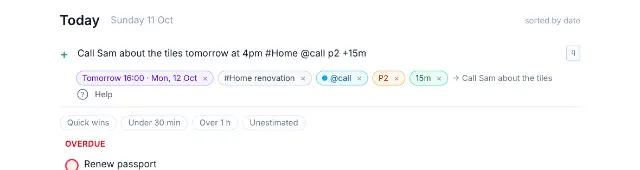
Getting started
From the demo or your first sign-in to adding, scheduling and completing your first task, in about five minutes.
-
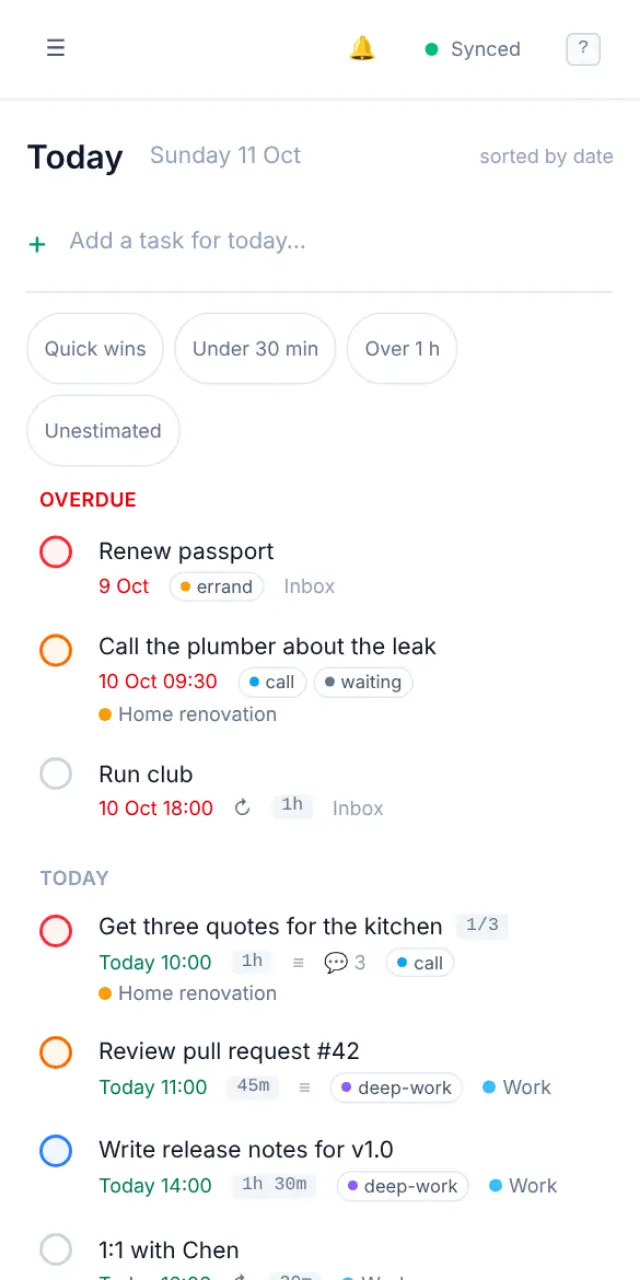
Installing the app
Put OpenTodo on your home screen or desktop so it opens in its own window and works offline, on iPhone, Android, Windows, macOS and Linux.


Guides
Short, task-based guides for everyday use.
-
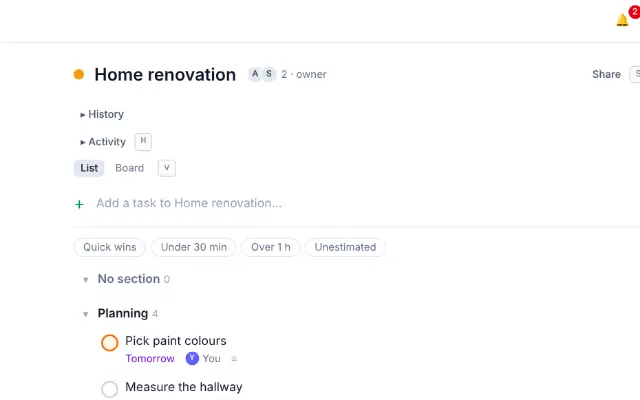
Tasks and projects
Add and edit tasks, write notes, break work into subtasks, set priorities and organise everything into projects and sub-projects.
-
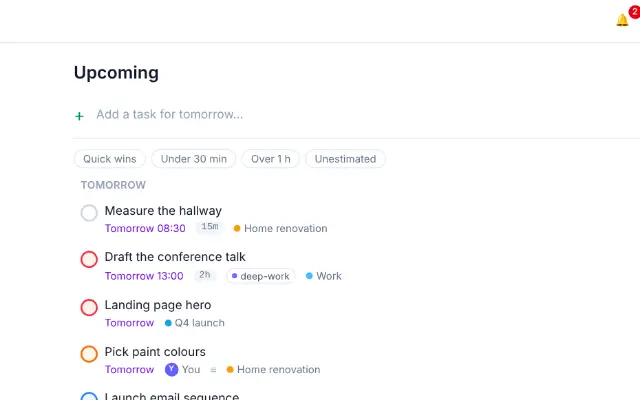
Views
Inbox, Today, Upcoming, Assigned to me, Completed and the calendar, plus views you save yourself, dashboards and the view each device opens on.
-
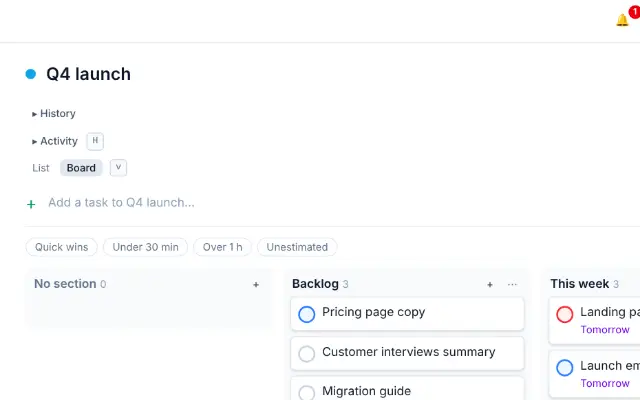
Sections and boards
Split a project into stages with sections, and switch it to a board to move cards between columns by drag or keyboard.
-
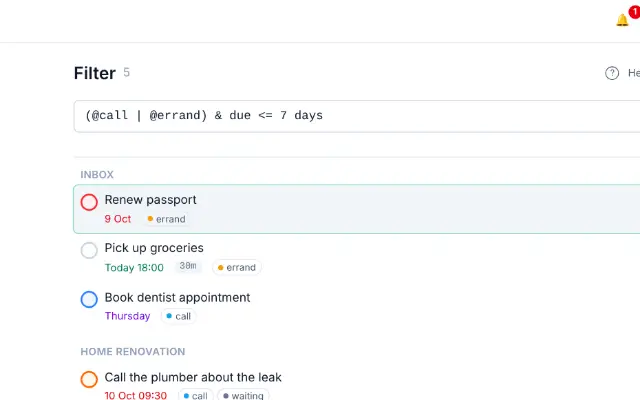
Labels and filters
Tag tasks across projects with labels, then find exactly what you need with the filter language and save it as a view.
-
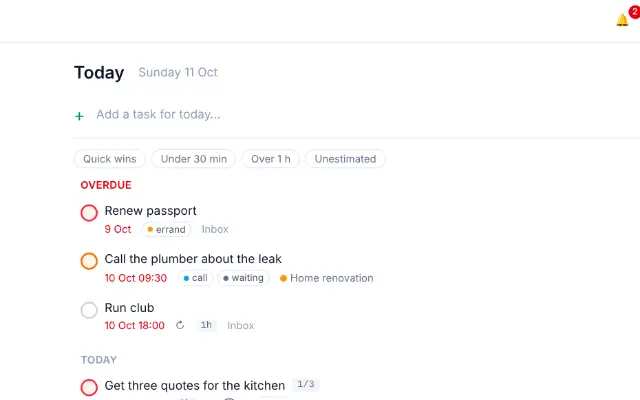
Recurring tasks and reminders
Make a task repeat every week, month or weekday, skip an occurrence, and get reminded at the right moment.
-
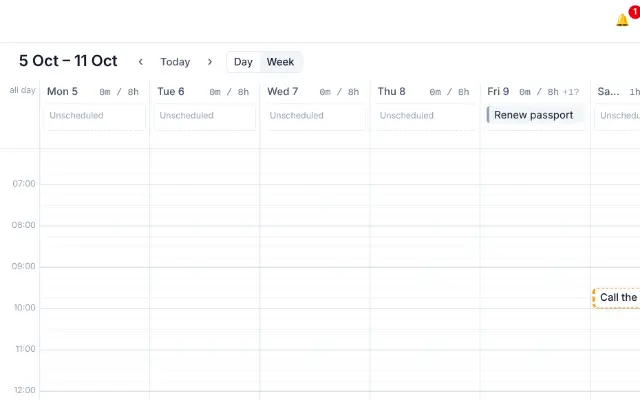
Time blocking
Estimate how long tasks take, then place them on the Day or Week calendar to see whether your plan fits the day.
-
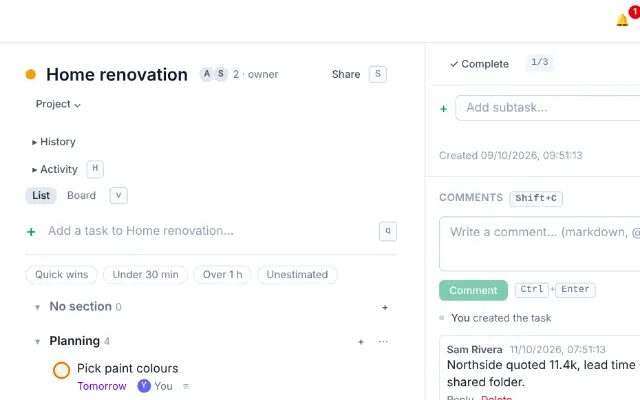
Sharing and comments
Share a project with people on your server, choose what they can do, assign tasks, and talk it through in comments with @mentions.
-
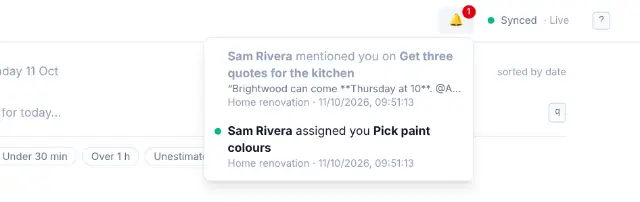
Notifications
The bell for assignments and mentions, reminder pop-ups inside the app, and push notifications on each device when the app is closed.
-
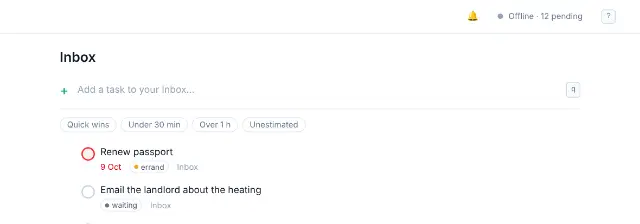
Offline and sync
How OpenTodo keeps working without a connection, what the sync status means, and what happens when two devices change the same task.
-
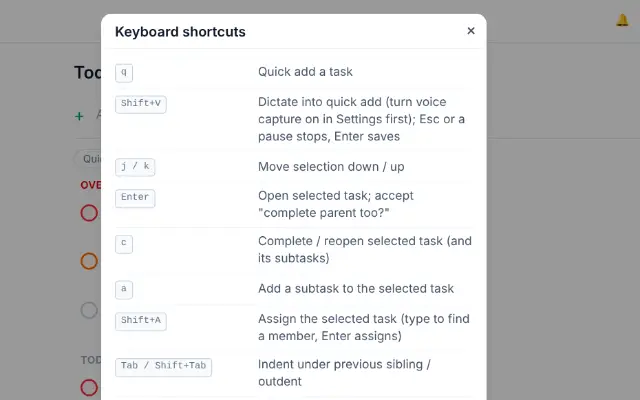
Keyboard shortcuts
Every shortcut in OpenTodo, from quick add to the calendar, plus the optional Vim keybindings.
-
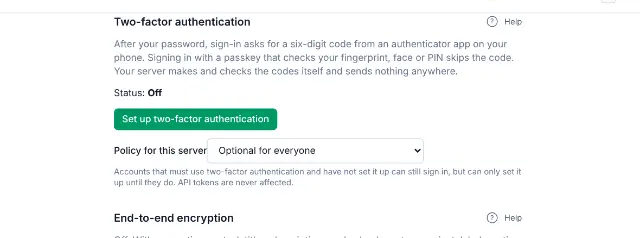
Account security
Sign in with a passkey, add two-factor authentication, change your password and check where your account is signed in.
-
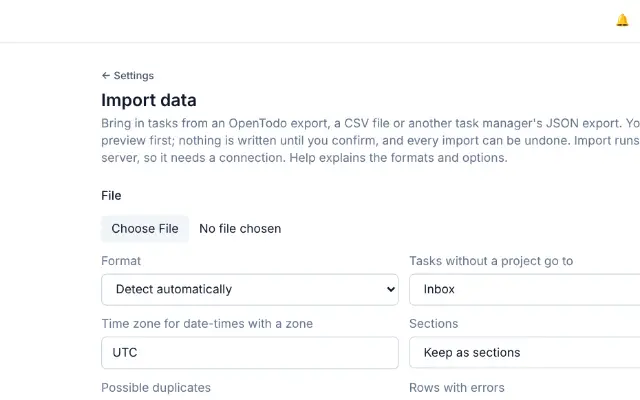
Import and export
Download everything you have as one file, and bring tasks in from a spreadsheet, another OpenTodo server or other task apps.
-
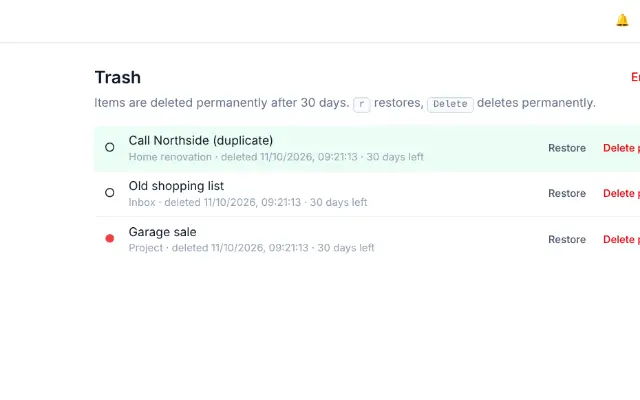
Trash and history
Restore deleted tasks and projects from the Trash, see every change made to a task, and bring back an earlier value.
-
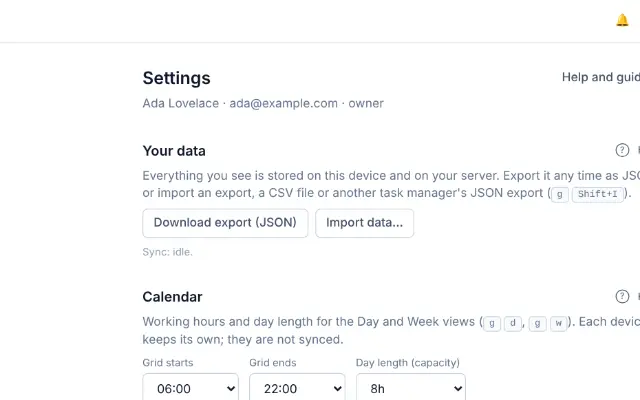
Settings
A tour of Settings, what each section does, which choices belong to one device and which follow your account.
-
Troubleshooting and FAQ
Fixes for the usual hiccups, from a task that seems to be missing to reminders that don't arrive, and answers to common questions.


Reference
Every detail of quick add, filters, recurring rules and more.
- Quick add syntaxEvery word quick add understands: dates, times, projects, labels, priorities, estimates, six languages and voice capture.
- Filter queriesThe filter language in full: terms, operators, dates, saved views, dashboards and ten worked examples.
- Recurring task rulesThe repeat rule grammar, how the next date is worked out, and what completing, skipping and detaching do.
- Reminders referenceHow relative and absolute reminders fire, web push and its privacy, snooze, shared projects and the Trash.
- Capturing pagesSave pages and selected text from other apps: the share sheet, the bookmarklet and the browser extension.
- Import formatsEvery import format in detail: your own export, CSV and other apps' JSON exports, mapping rules, duplicates and undo.
- End-to-end encryptionWhat encryption hides from the server and what it does not, the threat model, devices, recovery and limits.
Run your own server
One container, one volume. Install, update, back up and connect your tools.
- Running with DockerDocker Compose and docker run, reverse proxies, push, updates, managing users and recovering owner access.
- Deploying on CoolifyOne-click deployment from the compose file, environment variables, passkeys, updates and troubleshooting.
- BackupsScheduled backups to a folder, S3 or WebDAV, encryption, retention, restore and the archive format.
- Single sign-onConnect an OpenID Connect provider, link accounts, SSO-only mode and break-glass access for the owner.
- Calendar apps (CalDAV)Turn on CalDAV, create app passwords and connect Apple Reminders, Thunderbird or Android apps.
- Email to taskPoint OpenTodo at an IMAP mailbox so people can turn emails into tasks; provider notes and protection.
- Public demo instanceRun a public demo with a private sandbox per visitor: limits, expiry, the nightly reset and what is switched off.
Build on OpenTodo
The API, the command-line client, webhooks and how sync works.
- HTTP APIAuthentication, every route, entity fields, error codes and examples for scripts and integrations.
- Command-line clientThe ot command: install, sign in, add and complete tasks, JSON output and exit codes for scripts.
- WebhooksEvents, payload, signature checks, retries and recipes for Home Assistant, n8n and Telegram.
- AI assistants (MCP)Give an AI assistant read-only access to your tasks over the Model Context Protocol.
- ArchitectureHow data flows from a tap on the screen to every device: server packages, tables, client modules and the build.
- Sync protocolOperations, the schema, the winner rule, the exchange, sharing scopes, live updates, purge and history.